
Screenshots
App details
- Version
- 1.4.3
- Updated
- July 11, 2023
- Requires
- Mac | Other platforms (1)
- Language
- English
- License
- Free
- Developer
- xu lu
- Category
- Mac OS
SoftPas in:
This product is also available in the following languages:
About Winmail dat Opener
Download Winmail.dat Opener – Free, Secure Mac Tool for Viewing MSG, WINMAIL.DAT & XPS Files
Overview – Why Winmail.dat Opener Is a Must‑Have for Mac Users
If you have ever received an email attachment that looks like winmail.dat, .msg or .xps and you’re not using Microsoft Outlook, you know the frustration it can cause. The file appears as an unreadable blob, leaving you to request the sender to resend the attachment in a different format—a step that can feel both unprofessional and time‑consuming. Winmail.dat Opener eliminates that pain point for Mac users by providing a lightweight, free, and secure way to extract, view, and save the contents of those stubborn files directly on macOS.
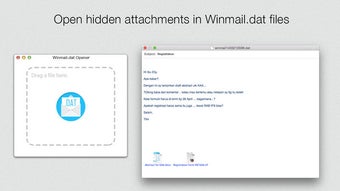
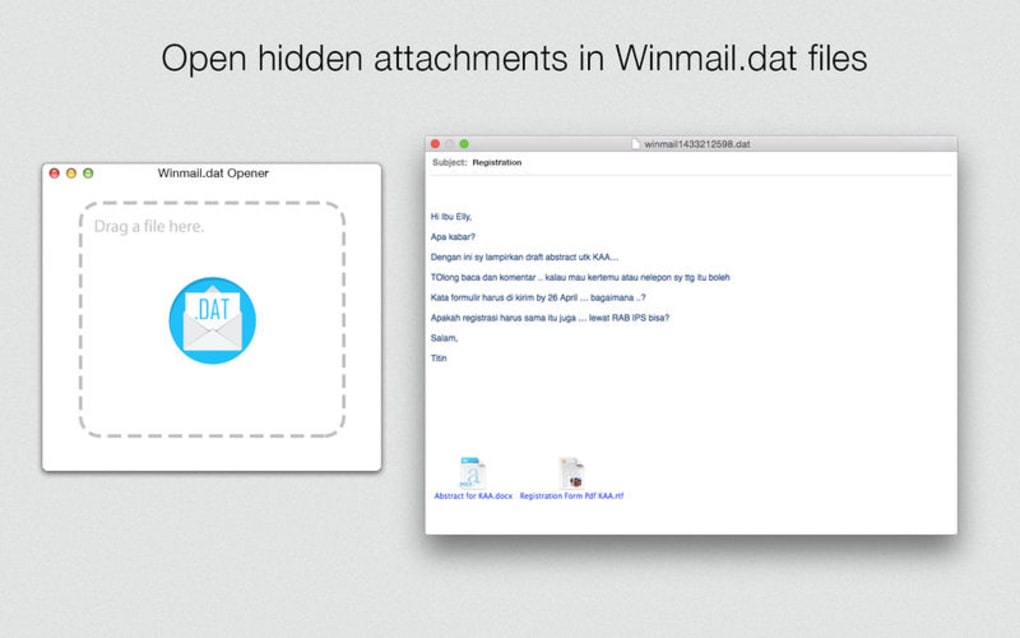
The application is designed with a clean, no‑frills interface that lets you double‑click or drag‑and‑drop an attachment to instantly preview its contents. Whether you need to open a single file or batch‑process dozens of messages, the tool stays responsive and reliable. Because it runs locally on your Mac, you avoid the security risks associated with uploading potentially sensitive corporate documents to online converters.
Beyond the basic extraction capability, Winmail.dat Opener also preserves the original file hierarchy, attachments, and formatting. This means you can save individual elements (like embedded images or PDFs) without losing context—a crucial feature for professionals who need to keep a clear audit trail. The app’s design follows Apple’s Human Interface Guidelines, ensuring a native feel that integrates smoothly with Finder, Mail, and other macOS utilities.
In short, Winmail.dat Opener is the bridge between Outlook‑centric file formats and the broader Mac ecosystem, letting you stay productive without asking your contacts to change their email settings. It’s free to download, regularly updated, and supported on the latest versions of macOS, making it a reliable ally for freelancers, corporate employees, and anyone who regularly exchanges files across platforms.
Key Features & Benefits
- Instant Preview: Double‑click or drag a
.dat,.msg, or.xpsfile to see its contents without leaving your email client. - Full Extraction: Save individual attachments, embedded images, and rich‑text content while preserving original file structure.
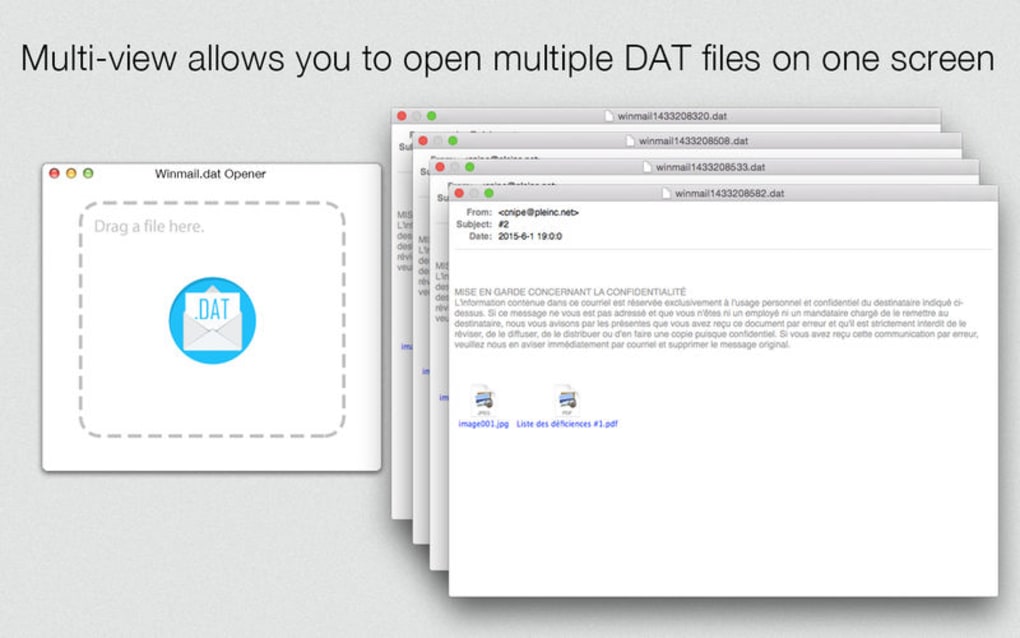
- Batch Processing: Select multiple files at once to extract all items in a single operation, perfect for busy inboxes.
- Native macOS Integration: Works seamlessly with Finder, Mail, and other native apps; no additional plugins required.
- Secure Local Handling: All processing occurs on your device—nothing is uploaded to external servers, protecting confidential data.
- Free to Download & Use: No hidden fees, trial periods, or forced upgrades; you receive the full feature set at no cost.
- Regular Updates: The development team pushes frequent updates to stay compatible with new macOS releases and emerging file formats.
- Lightweight Design: The app occupies less than 20 MB of disk space and consumes minimal CPU while operating.
- Multi‑Language Support: Interface available in English, Spanish, French, and German, catering to a global audience.
Each of these features is aimed at removing the friction that traditionally accompanies the handling of Outlook‑specific attachments on a Mac. For instance, the batch processing capability alone can shave minutes—or even hours—off the workflow of a project manager who receives dozens of client deliverables daily. Likewise, the secure local handling reassures legal teams and healthcare professionals that patient or client data never leaves the corporate firewall.
Moreover, because the app is free, organizations can deploy it across multiple workstations without worrying about license management. The regular update cycle ensures that any changes in Outlook’s attachment encoding are quickly addressed, keeping the tool future‑proof.
Installation, Usage & Compatibility
Step‑by‑Step Installation Guide
- Visit the official Winmail.dat Opener download page and click the Download for macOS button.
- The
.dmgfile will appear in yourDownloadsfolder. Double‑click to mount the installer. - Drag the Winmail.dat Opener icon into the
Applicationsfolder shortcut. - Launch the app from
Applications. macOS may prompt you to confirm that you trust the developer; click Open. - Optionally, add the app to your Dock for quick access.
How to Use the App Effectively
Once installed, using Winmail.dat Opener is intentionally straightforward:
- Double‑Click Method: Locate a
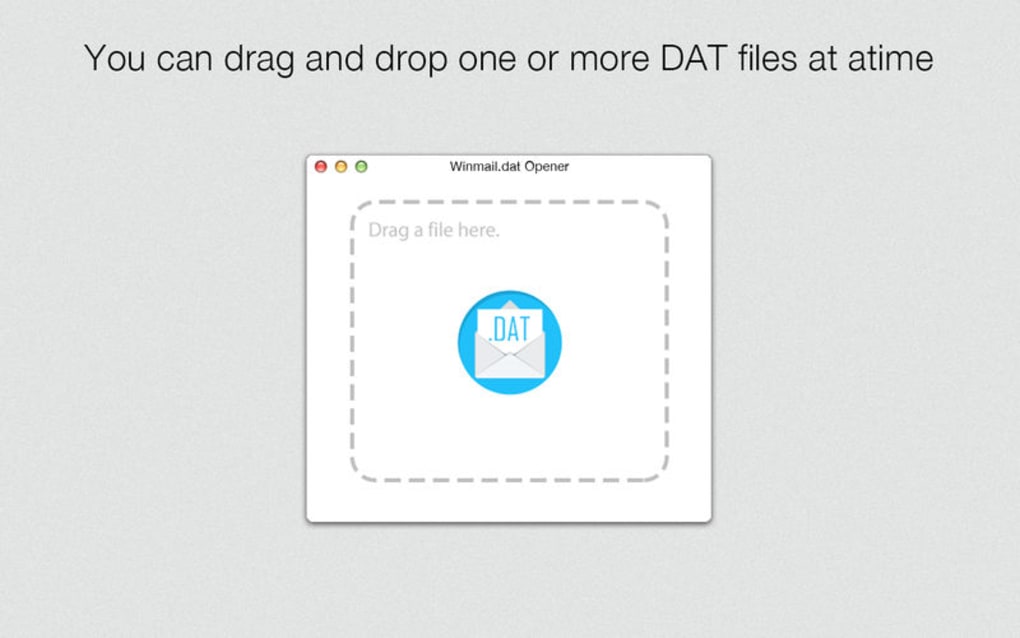
.dat,.msg, or.xpsfile in Finder, then double‑click it. The app launches automatically and displays a preview pane. - Drag‑and‑Drop Method: Open Winmail.dat Opener, then drag the attachment onto the app window. The file is instantly parsed and shown in a hierarchical list.
- Right‑Click Context Menu: After installation, macOS adds a “Open with Winmail.dat Opener” option to the file’s contextual menu for even faster access.
- Saving Extracted Items: Select any file or folder within the preview, then click the Save button to choose a destination on your Mac or external drive.
Supported Operating Systems
Winmail.dat Opener is compatible with macOS 10.14 (Mojave) and later, including macOS 12 (Monterey) and macOS 13 (Ventura). The application runs natively on both Intel‑based Macs and Apple Silicon (M1/M2) devices, leveraging Rosetta 2 when necessary for seamless performance.
The developer maintains a compatibility matrix on the official website, which is updated with each macOS release. If you encounter any issues on a newer version of macOS, the support team typically releases a patch within a few days.
Pros, Cons & Frequently Asked Questions
Pros
- Free and fully functional without hidden costs.
- Instant, local preview keeps sensitive data secure.
- Batch extraction saves time for heavy users.
- Native macOS experience—no clunky UI.
- Lightweight footprint, ideal for older hardware.
Cons
- Currently macOS‑only; no Windows or Linux version.
- No built‑in cloud sync—files must be saved manually.
- Advanced editing of extracted documents is not supported.
FAQ – Answers to Common Queries
Can Winmail.dat Opener open regular .msg files from Outlook?
Yes. The application fully supports Outlook’s .msg format, allowing you to view the email body, embedded images, and any attachments without needing Outlook installed on your Mac.
Is there any limit to the size of the winmail.dat file I can open?
Practically no. The app can handle files up to several hundred megabytes, limited only by the available RAM on your Mac. For extremely large files, the extraction may take a few extra seconds.
Do I need an internet connection to use Winmail.dat Opener?
No. All processing occurs locally, so you can extract and view files completely offline, which is especially useful when traveling or working in secure environments.
Will the app retain the original file timestamps after extraction?
Yes. Winmail.dat Opener preserves original creation and modification dates for each extracted item, maintaining an accurate audit trail.
How often are updates released and are they automatic?
Updates are released roughly every 6‑8 weeks. The app checks for new versions on launch and prompts you to install, but you can also manually download the latest release from the website.
Conclusion – Get Winmail.dat Opener Today and Eliminate Attachment Frustration
In a world where cross‑platform collaboration is the norm, being forced to ask a colleague to resend an attachment in a different format is both unproductive and potentially damaging to professional relationships. Winmail.dat Opener solves that problem elegantly for Mac users by delivering instant, secure, and free access to winmail.dat, .msg, and .xps files. Its lightweight design, batch processing capabilities, and seamless integration with macOS make it a practical tool for anyone who handles email attachments regularly—whether you’re a freelancer, a corporate employee, or an IT administrator.
With no hidden fees, regular updates, and a focus on privacy, the app stands out as a trustworthy companion for daily workflow. Download the installer now, follow the simple setup steps, and experience a smoother email experience within minutes.
Ready to stop guessing what’s inside those mysterious attachments? Click the button below to download Winmail.dat Opener for free and start opening files instantly.
Download Winmail.dat OpenerGuides & Tutorials
How to install Winmail dat Opener
- Click the Download button above.
- Once redirected, accept the terms and click Install.
- Wait for the Winmail dat Opener download to finish on your device.
How to use Winmail dat Opener
This software is primarily used for its core features described above. Open the app after installation to explore its capabilities.
User Reviews
No reviews yet. Be the first to share your experience.
You may also like
more
DiffusionBee
Generate unique art with this app DiffusionBee is a free and accessible artifici...

Excire Foto Light
Organize your snapshots Excire Foto Light is a free-to-download AI -powered phot...

Topaz Photo AI
Photo enhancement tool with AI Topaz Photo AI is a premium AI image editor for P...

anonymoX
Surf anonymously with Firefox anonymoX for Firefox is an add-on that gives you f...

DownThemAll
Download Them All! Downloading anything or everything on a webpage can be a labo...
.webp)
DuckDuckGo Privacy Essentials
A free program for Mac, by DuckDuckGo, Inc.. DuckDuckGo Privacy Essentials is a...